Login
Users will login to the portal by visiting the domain listed at the top of the portal settings page. By default, login is via. a one-time code sent to their email. This allows users to not have to create an account with Pylon to have access to your portal and validates they have access to their email when attempting to login. Using Custom Authentication, you can create a unified login between your dashboard and the customer portal.View Tickets
Customers can view and search for tickets from the main page of the portal. By default, they will see the last 1 years worth of tickets. Any fields on the ticket you designated in the portal settings page will be visible as well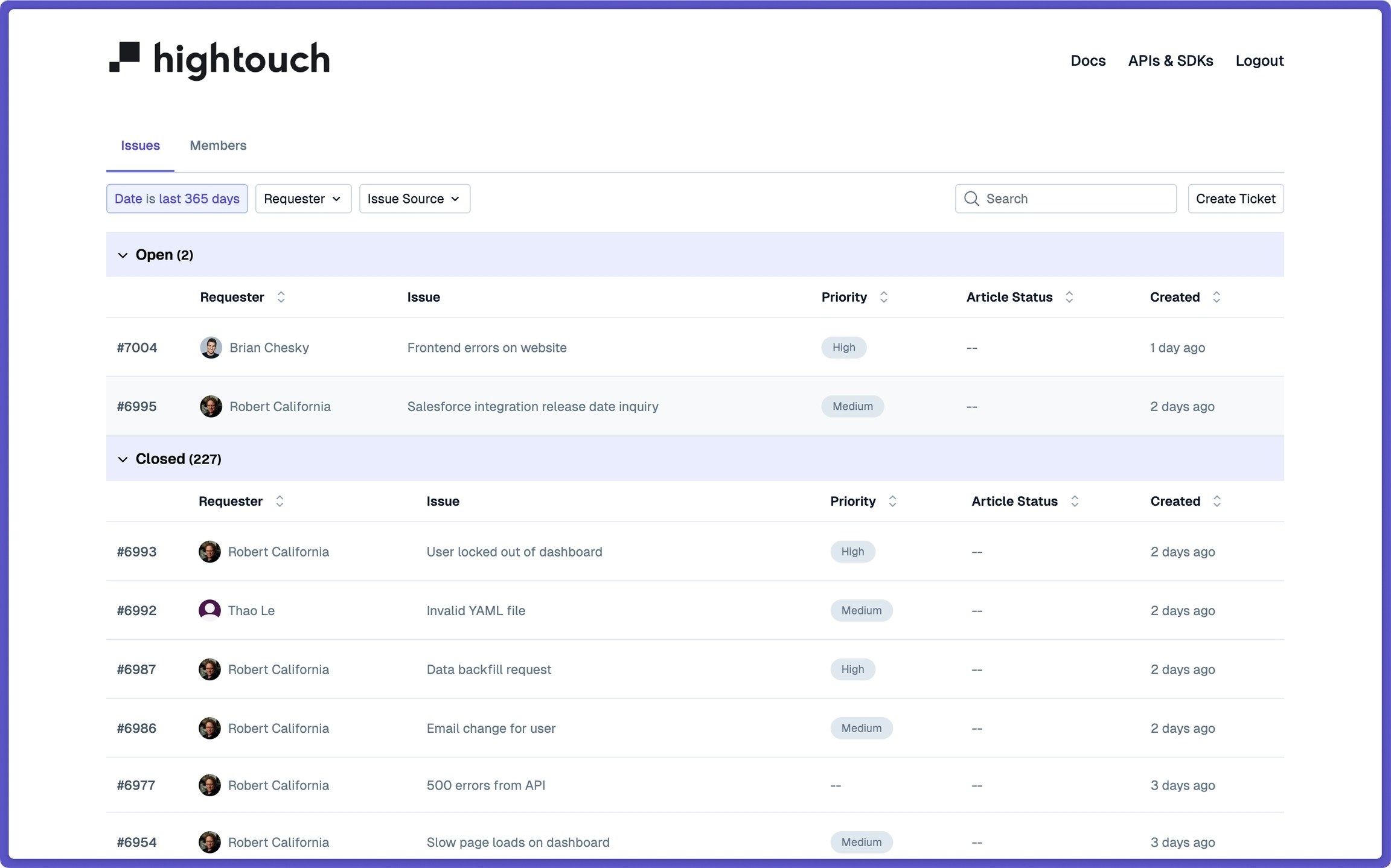
Create Tickets
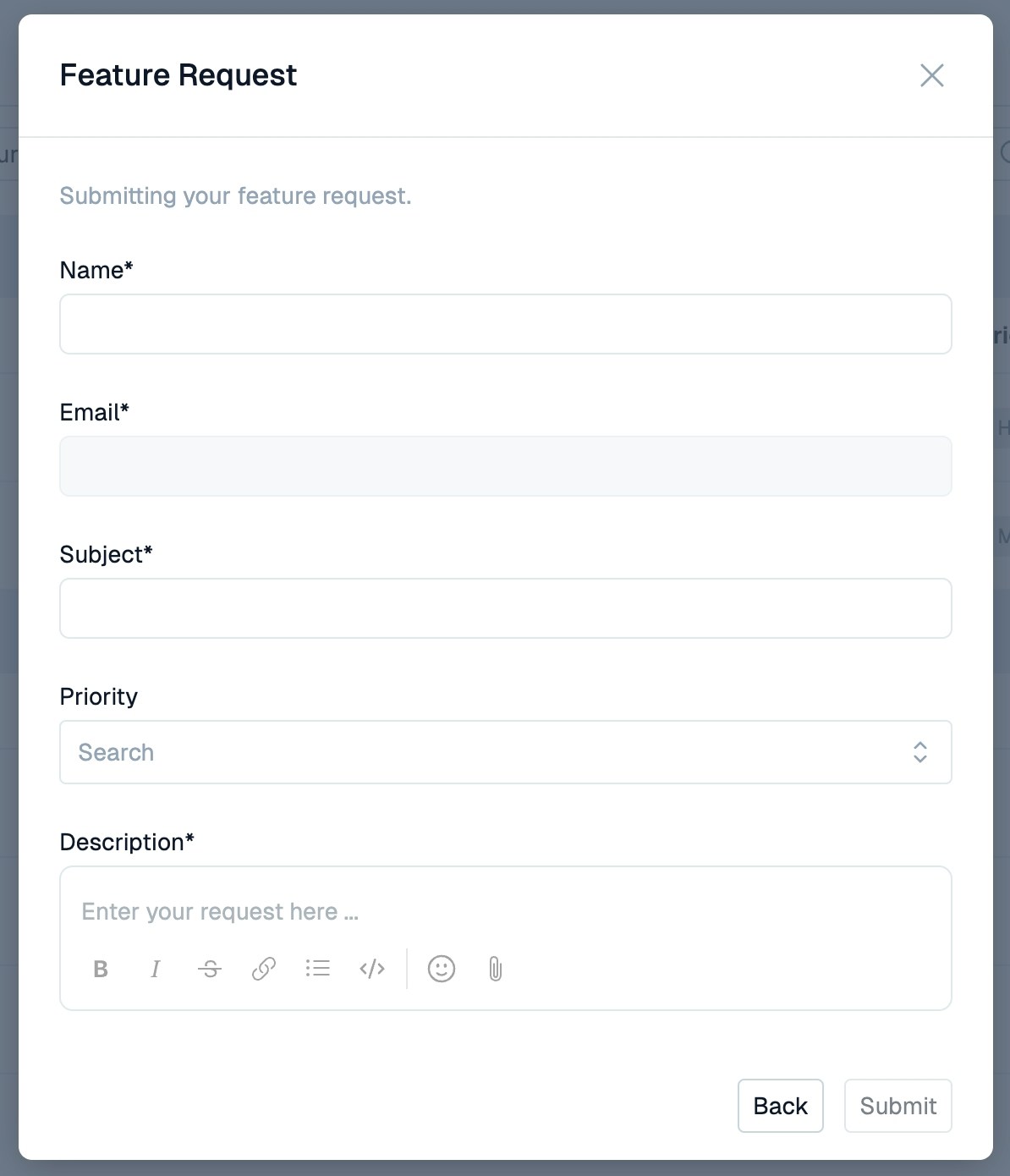
You can create Ticket Forms that users can submit from directly within the portal. These form submissions open new tickets and are immediately visible in the portal, along with the customers’ remaining tickets.