
Setup
- Visit the Surveys page (Settings > Workflows > Surveys) and hit “Create Survey”
-
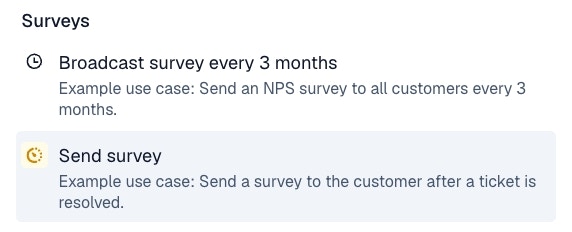
Select from one of the available templates or create your own rules for when CSAT surveys should be sent. CSAT can be collected over Slack, email, in-app, etc.
- Customize when CSAT is sent out within the trigger. For example, easily disable CSAT for certain customers that express fatigue with surveys, or for certain types of issues.
Behavior
- The CSAT survey is sent to the customer who opened the issue.
- Multiple CSAT surveys can be collected for a single issue. If you want to collect only one per issue, you should make sure to add a tag (i.e. “CSAT collected”) the first time you collect a survey to be used as an exclude filter in the trigger.
- CSAT surveys are on a 1-5 point scale with an optional space for free form feedback.