Hit
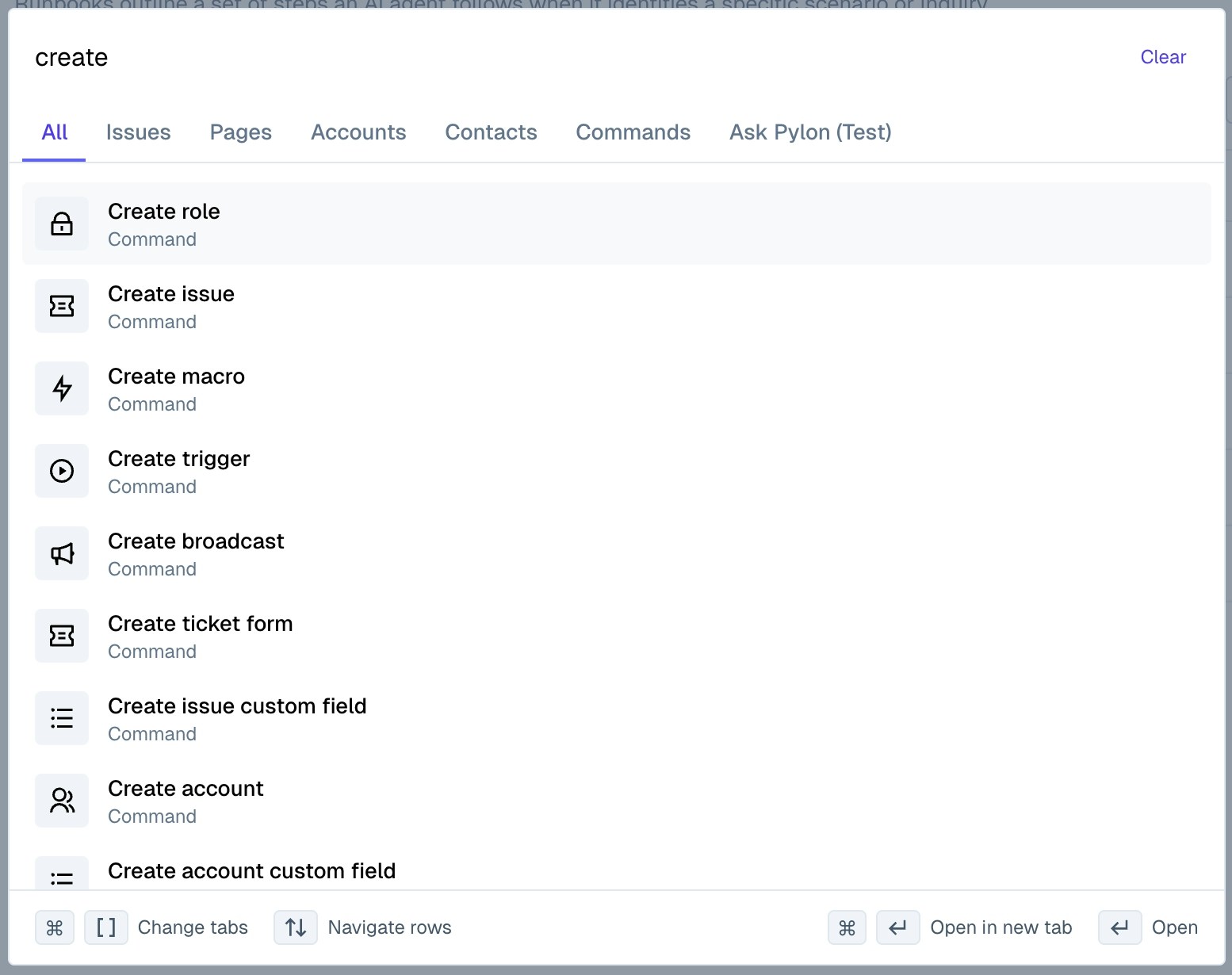
Cmd-K on Mac and Ctrl-K on Windows anywhere in Pylon to open up Command Search.Search
Type a search term to search across all data in Pylon, including issues, accounts, contacts, knowledge base articles, and more. You can click into a specific tab to narrow down your results, or use the keyboard shortcuts listed at the bottom of the search window to preview different results before you select a specific page to view.
Commands
Run commands, likeCreate issue or Create article to quickly take an action without having to navigate to the corresponding view in the UI.