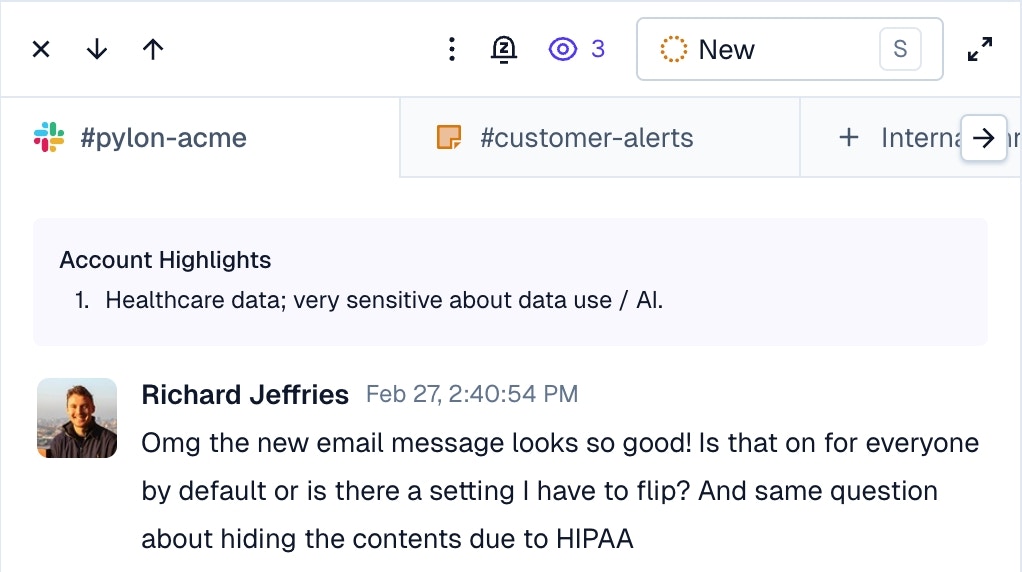
Highlights are a great way for customer success / sales / or other customer facing teams to pass context to teammates responding to customer requests.
- This account underwent a severe incident recently, so tread lightly on certain topics
- This account is undergoing an upsell
- This account is on legacy infrastructure or uses a certain obscure setup
- This account is a renewal risk so please loop in CSM on certain types of questions
Account Detail
On the sidebar of an account or issue, you can view, create, edit, and delete highlights about that account.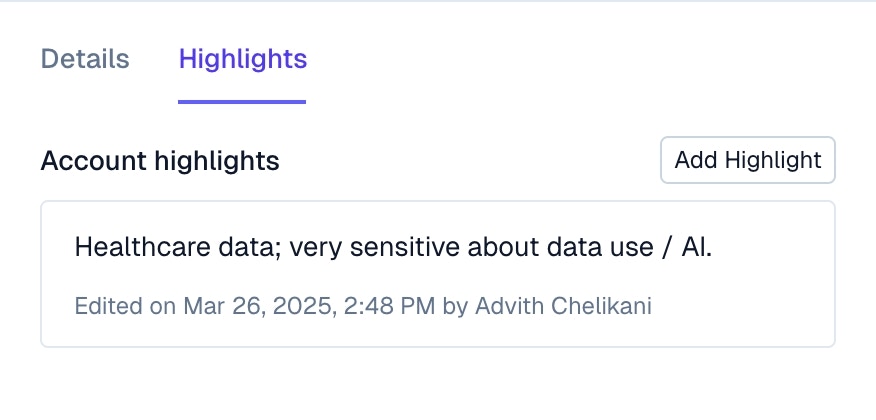
Issue Detail
When viewing a ticket from that customer, the account highlights will be visible on the top of the ticket. Clicking on the highlight will open the accounts pane on the issue, showing more information about the account.