Setup
Click into the App Directory from your Pylon dashboard and then click on the Hubspot integration to view setup instructions.Usage
Activity Sync
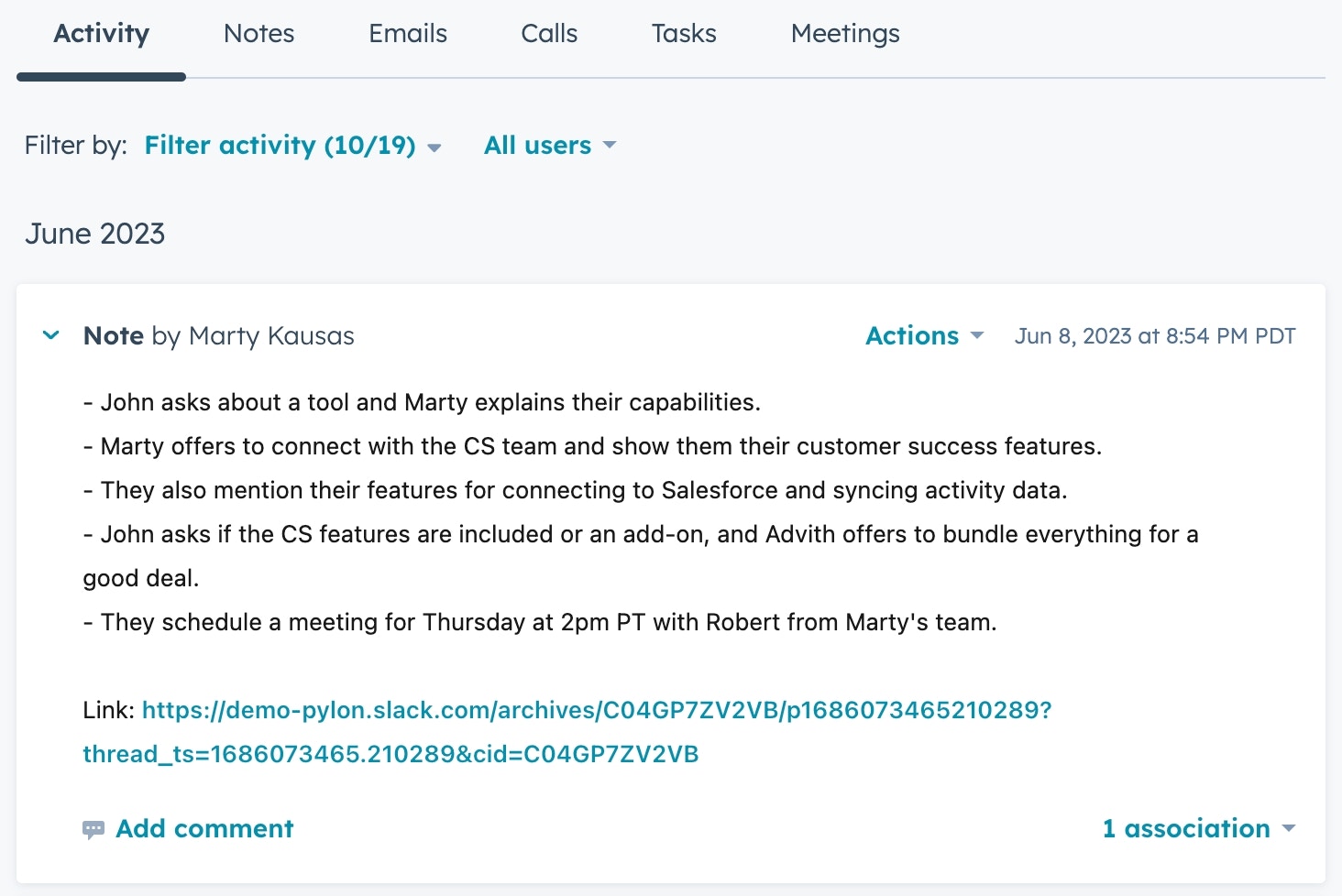
Every day, Pylon scans your customer channels for conversations that were had. For every conversation, we use AI to summarize the details, and sync the summary to the relevantAccount in Hubspot.
Field Sync
Either sync fields from Pylon or to Pylon from Hubspot. Fields synced into Pylon are available to use in all Pylon feature, like as filters in views, triggers, macros, etc.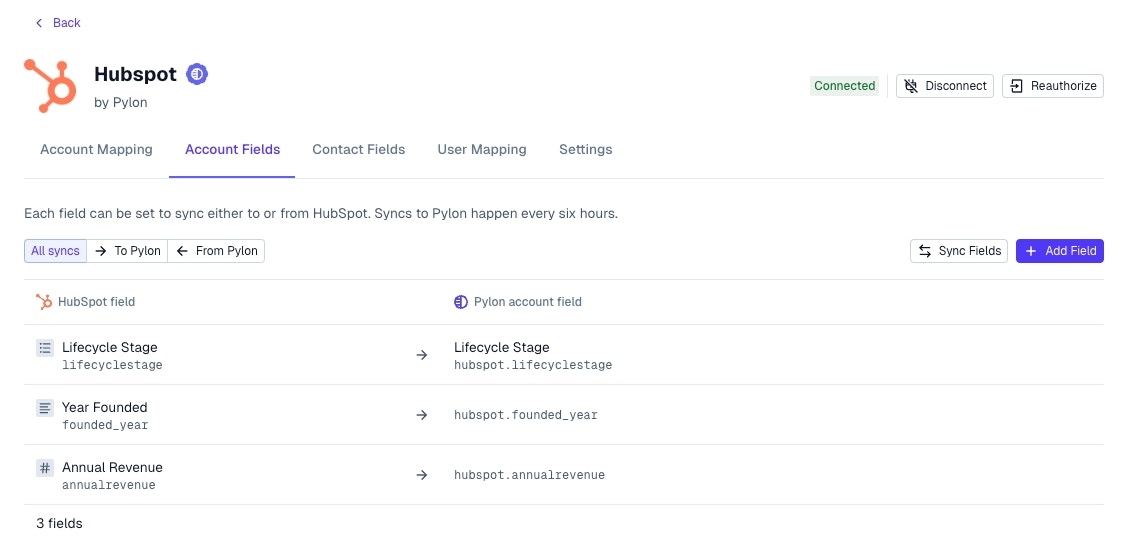
Contact Sync
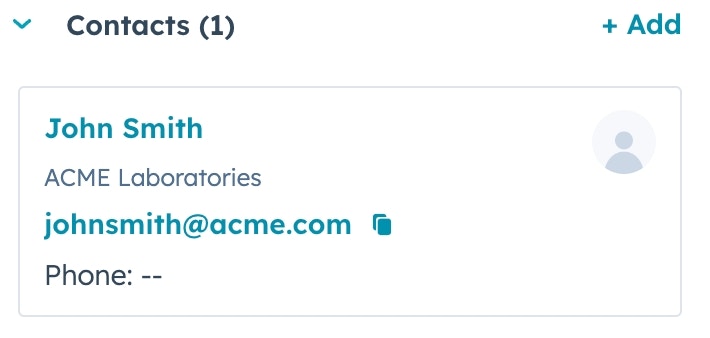
When someone new joins a prospect or customer channel, we add that contact to Hubspot and link it to the relevantAccount.
Account Cards
See Pylon account cards directly on Hubspot accounts. View information from Pylon like which Slack channel is connected to this account and a direct link to it.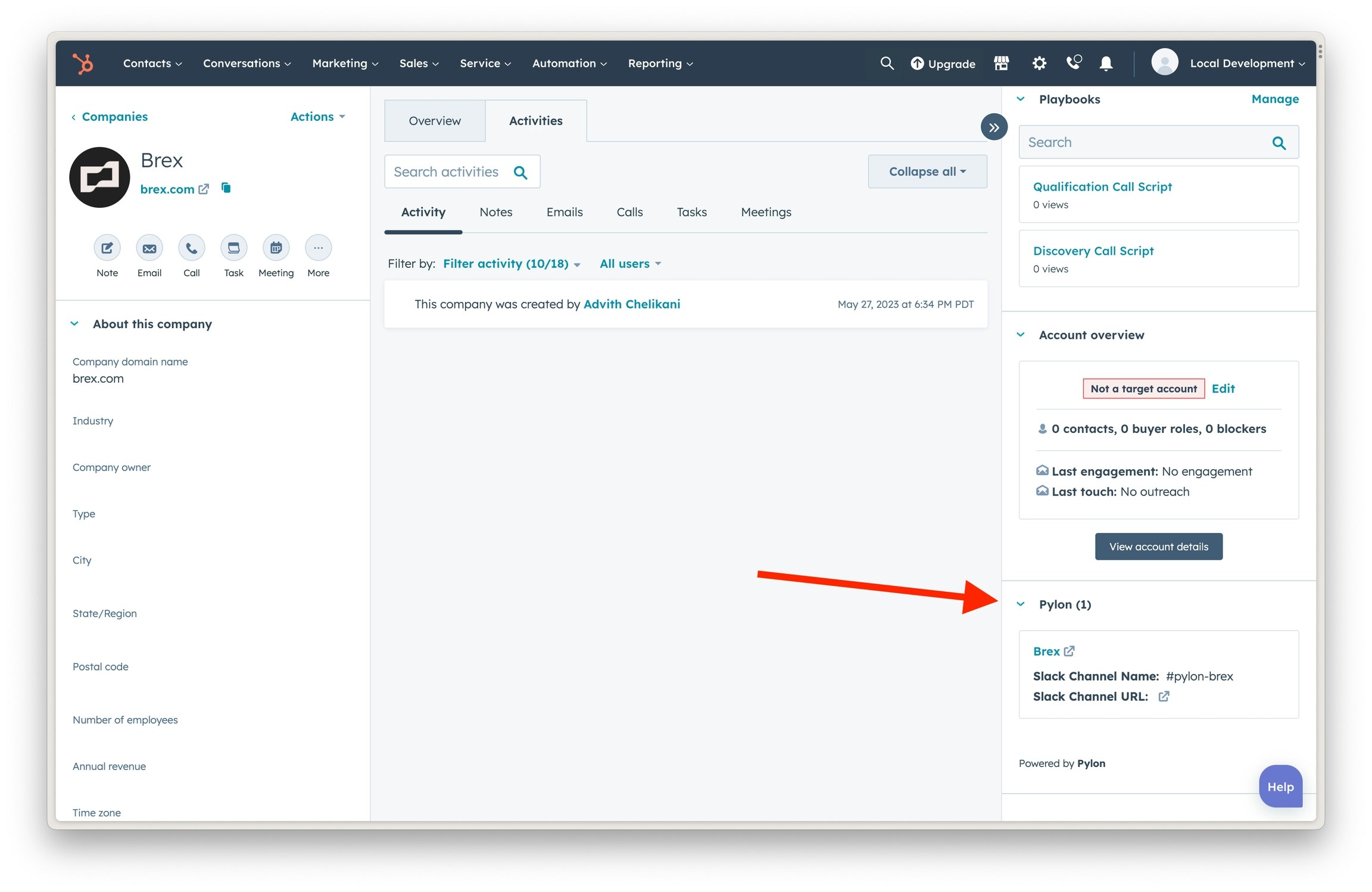
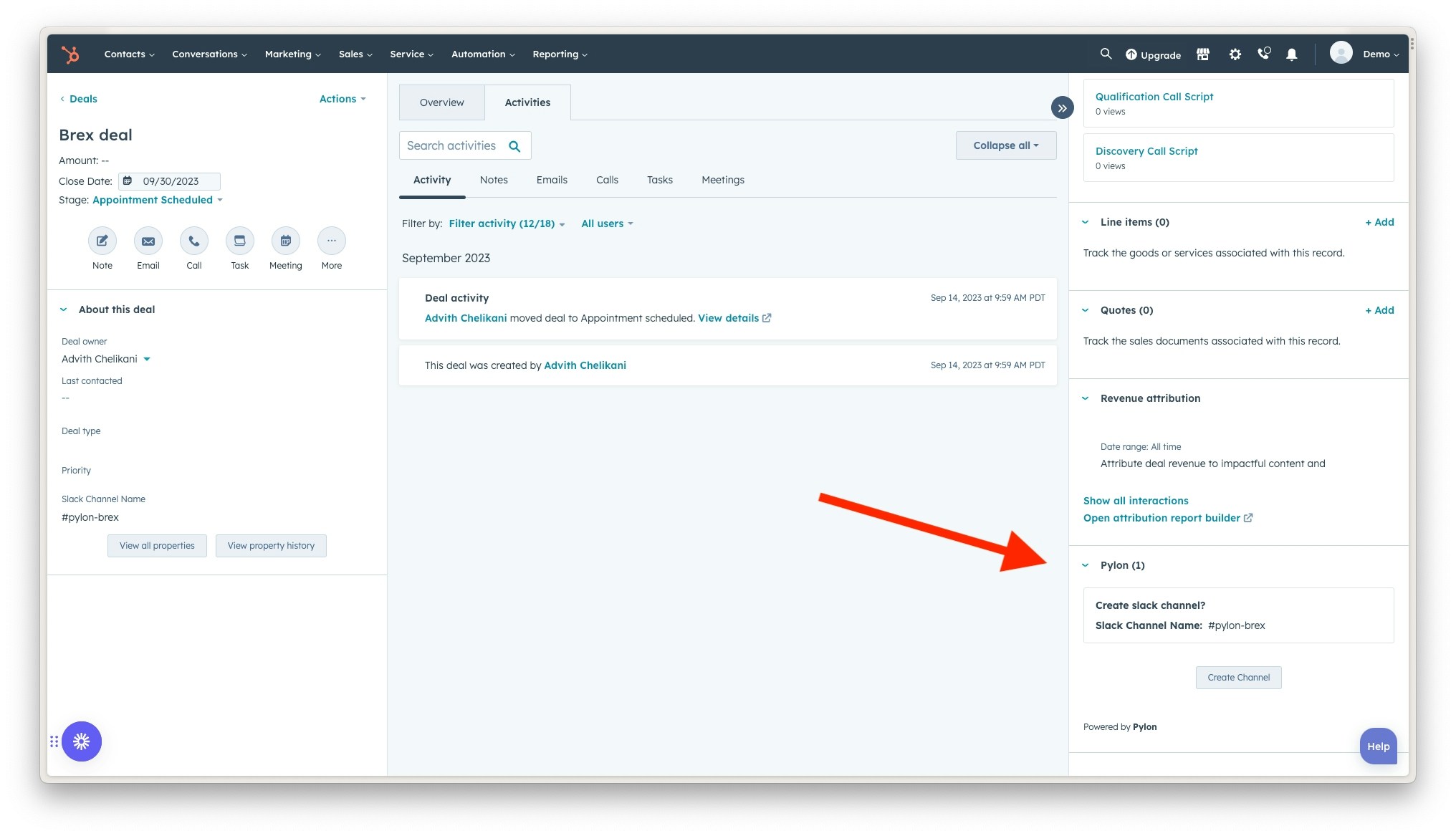
Channel Creation from Hubspot
See our setup guide for configuring this feature. This requires creating a custom property on the Deal or Company object and adding it to your layout.
Create Channel from the sidebar the following will automatically happen:
- Channel will be created and named
- You will be invited to the channel
- All contacts tied to the deal/company will be sent an invite to join the channel
- Pylon will be enabled within the channel
Broadcast Filtering
You may want to send a Broadcast to a set of customers based on data stored in Hubspot.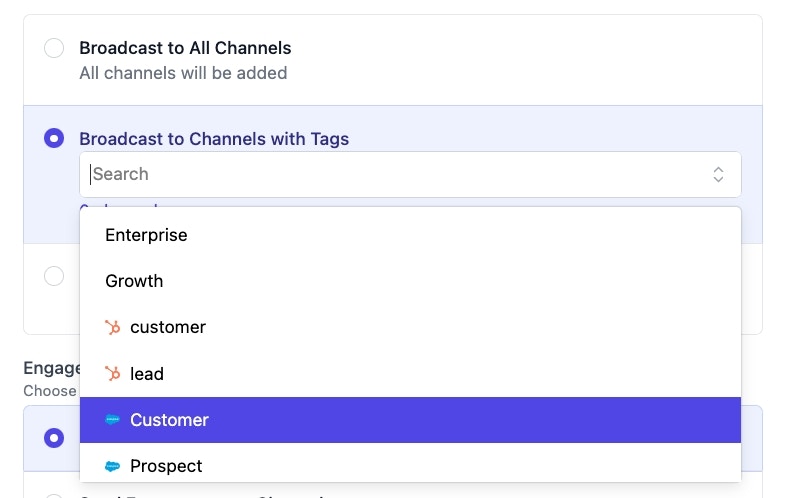
Issues
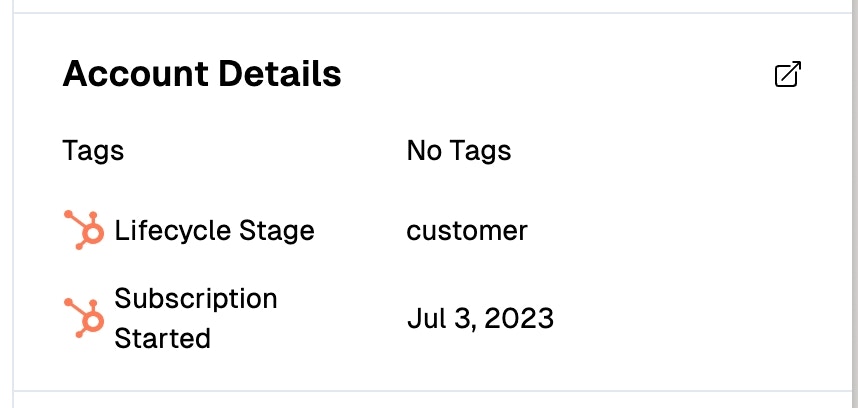
View and filterIssues by Hubspot tags.
Account Details on Issue
See account level details while working on an individual issue in the Issue sidebar.