Overview
Field Types
Pylon supports the following custom field types:- Text
- Number
- Decimal
- Select
- Multi-select
- Boolean
- Date
- User
- URL
- Datetime
- Formulas
Usage
Manually Fill
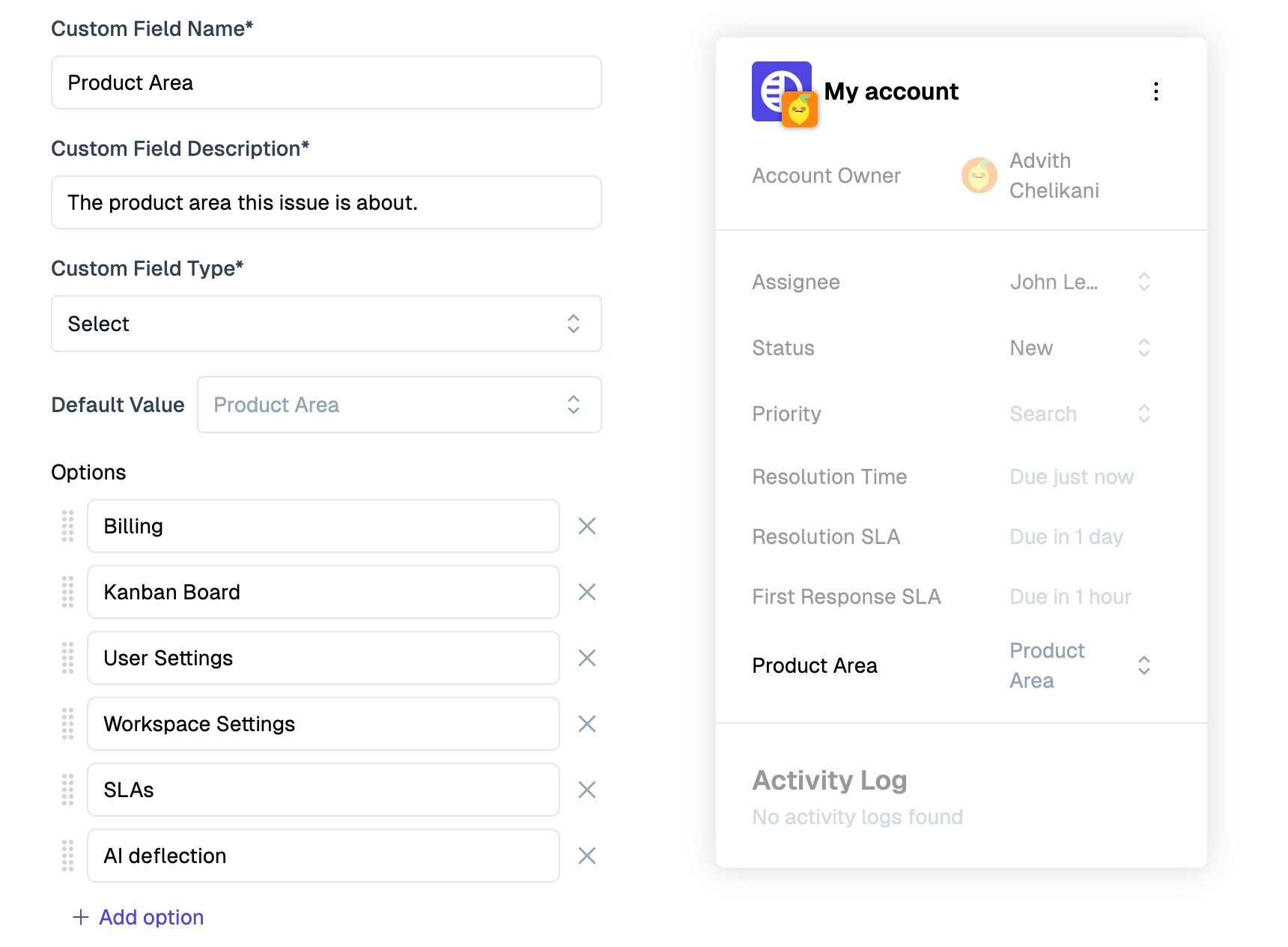
Custom fields can be manually filled from their individual record pages. Issue fields: filled in via. the issue sidebar. Account fields: filled in via. the accounts page. Contact fields: filled in via. the contacts page.✨ AI Autofill
AI autofilled fields can always be manually updated! Once manually updated on a record, they will not be overridden by AI in the future.
Sync from CRM
Account and contact custom fields can be synced directly from your CRM. Multiple times a day these values will be updated from the latest data in your CRM. To enable this, you should connect your CRM via the Apps Directory. More details can be found in the CRM articles.Fill via. API
Use our PATCH /issues, PATCH /contacts, and PATCH /accounts API endpoints in order to set custom field values via. API. For issues raised from the Chat Widget, our JavaScript API can set custom field values on issue submission.Fill via. Formulas
Use Formulas to automatically fill in field values uses calculations.Fill via. Triggers or Macros
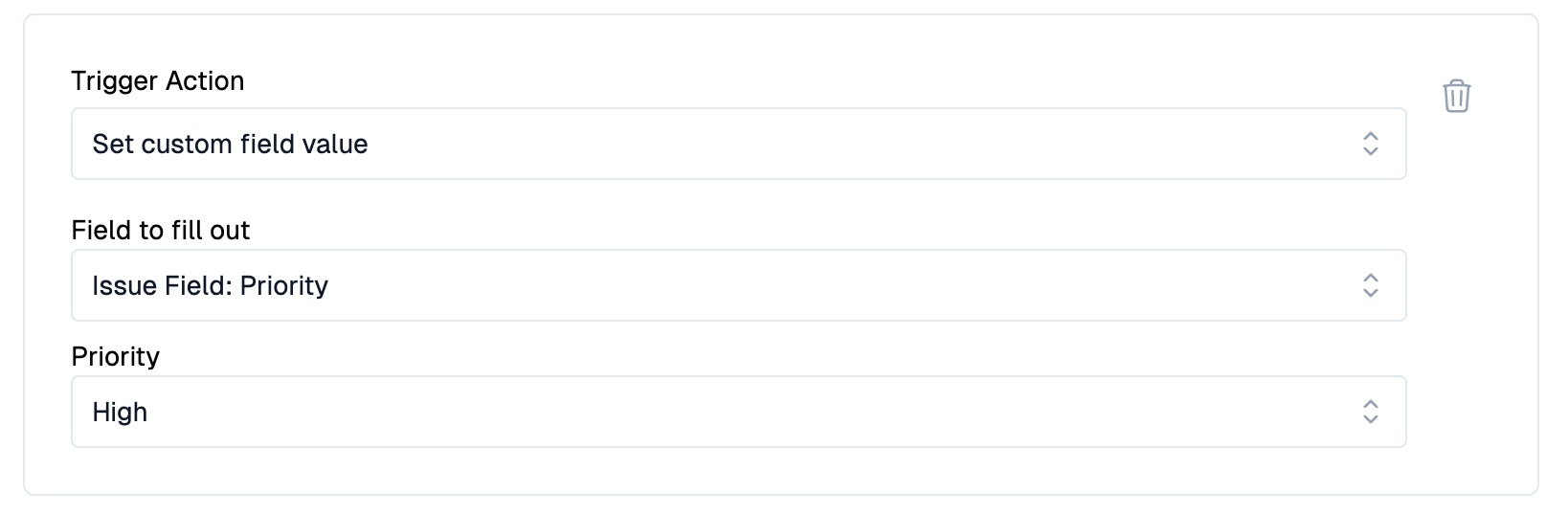
Use the “Set custom field value” action on a trigger or macro in order to programmatically fill a custom field value.