
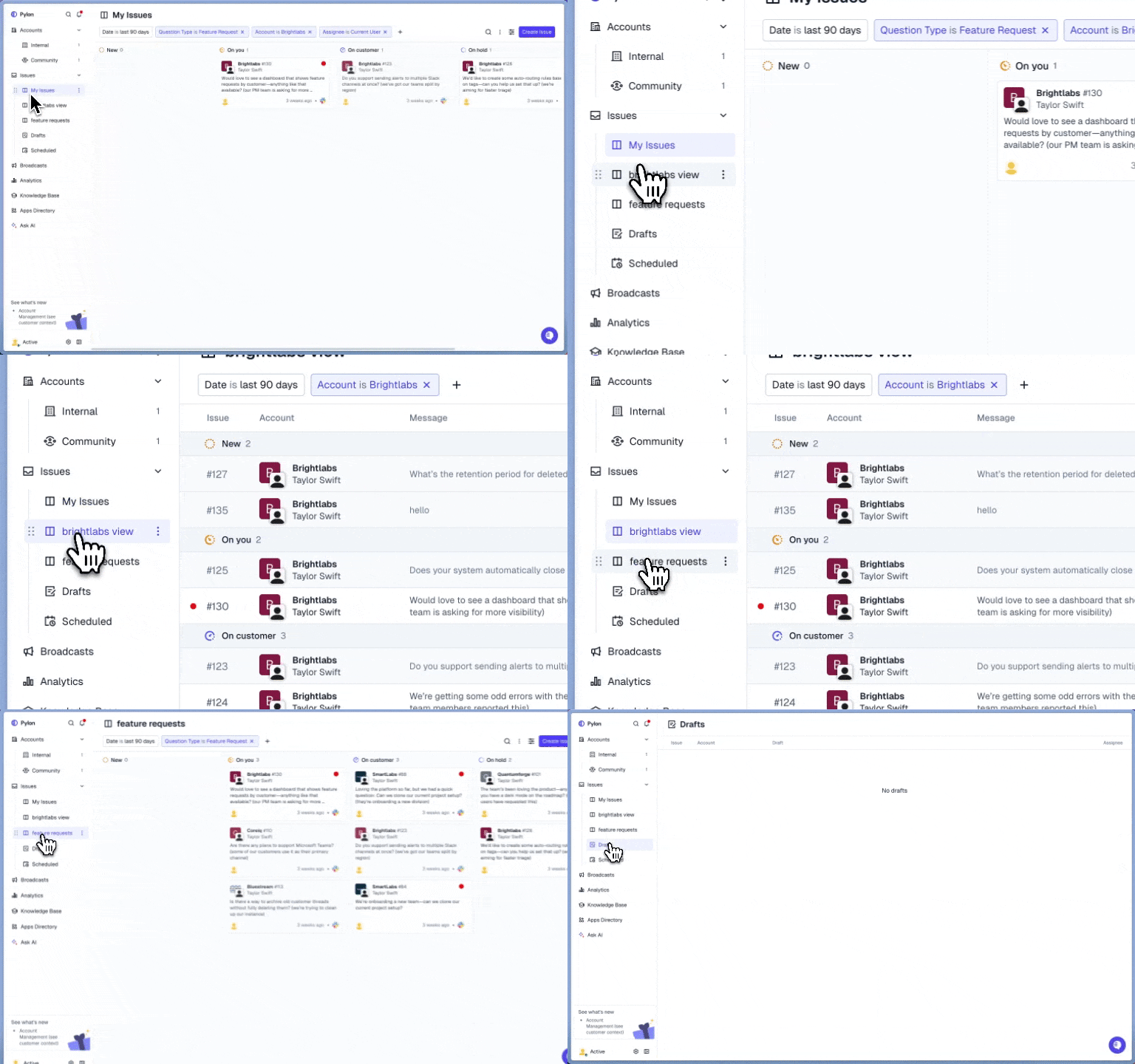
Overview
Views in Pylon help you organize and manage customer conversations across Slack, email, in-app chat, and more. With Views, you can:- Focus on what matters most by filtering Issues and Tickets by status, priority, assignee, or source
- Create team dashboards tailored to specific functions or workflows
- Support triage at scale by visualizing queues clearly
- Personalize your day with saved filters and layouts for your role
- Standardize processes across support and success teams
Setup
Use cases
- Individual Queue
- A Kanban view filtered by
Assignee = Current Userto see all of your issues
- A Kanban view filtered by
- Support Queue
- A List view filtered by
Team = Support, sorted by priority for quick triage.
- A List view filtered by
- Feature Requests
- A view filtered to
Question Type = Feature Requestto view issues AI labeled as feature requests
- A view filtered to
Best practices
- Start simple
- Begin with a few broad views filtered down by team, account owner, or assignee
- Hide extra views
- Hide views that you don’t use
- Use sharing wisely
- Keep views private by default, but share important ones to drive alignment across teams.