
Statuses
Users can be one of three statuses: active, busy, or out of office.Setting Status
Users can set their status by clicking their profile and then selecting Change status. Depending on the status they select, they will have additional options they can configure, like how long they will be in that status as well as whether to reassign their issues.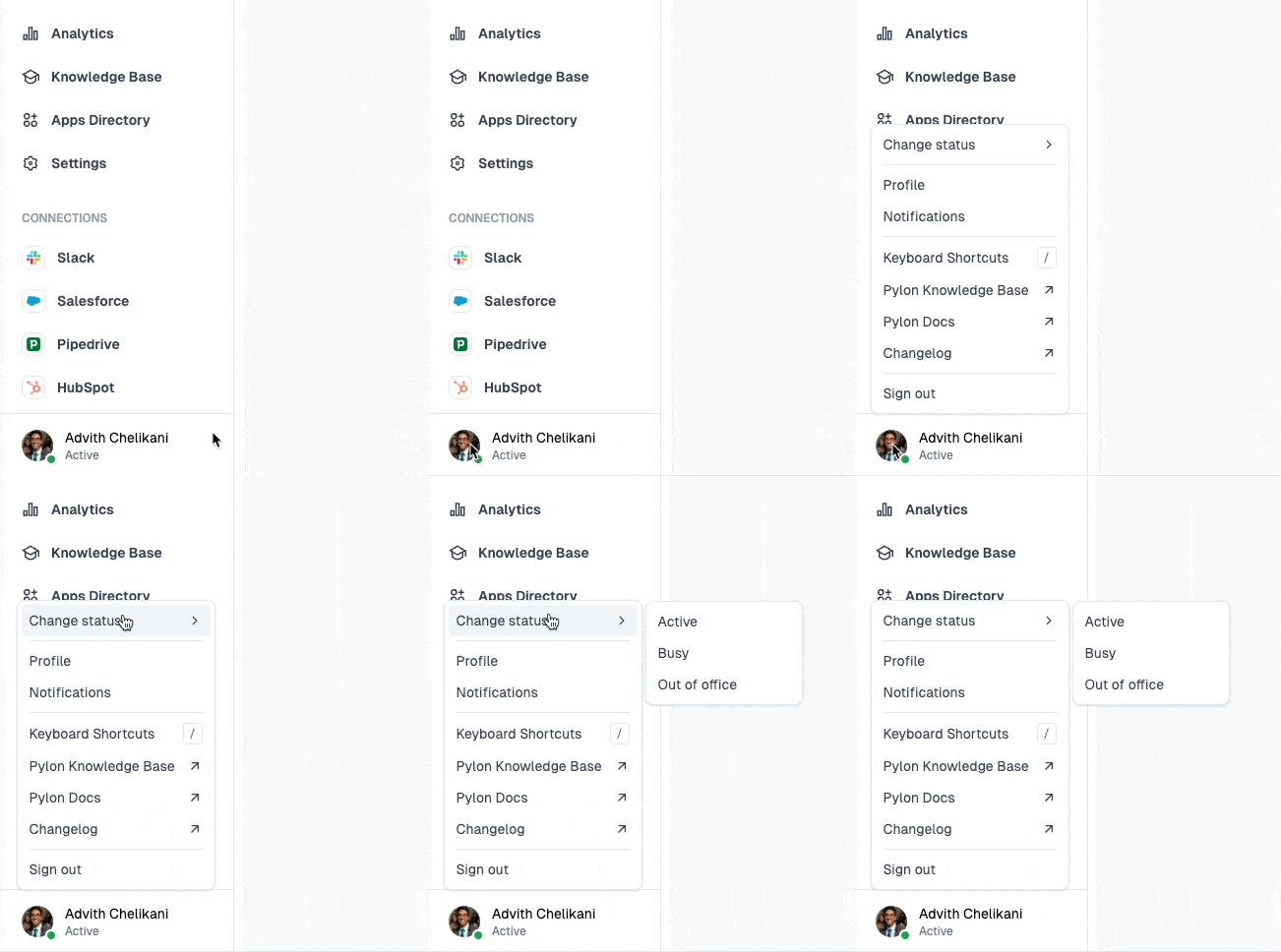
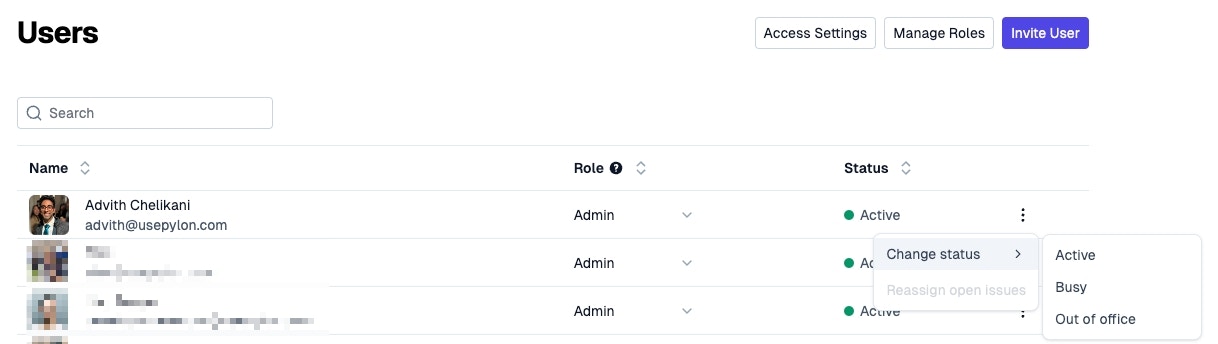
A non-active user (busy or out of office) by default will not get assigned to issues as part of your team assignment rules. This can be customized as part of setting the assignment rule!