Setup
Click into the App Directory from your Pylon dashboard and then click on the Jira integration to view setup instructions.Creating Jira Tickets
You can create an issue via the Kanban board or via the triage channel.-
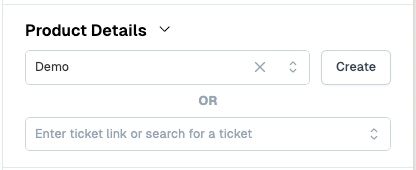
Via Kanban: From a Pylon issue, you’ll see a Jira Details module in the sidebar. Select the project you’d like to create the ticket in, and click Create.
-
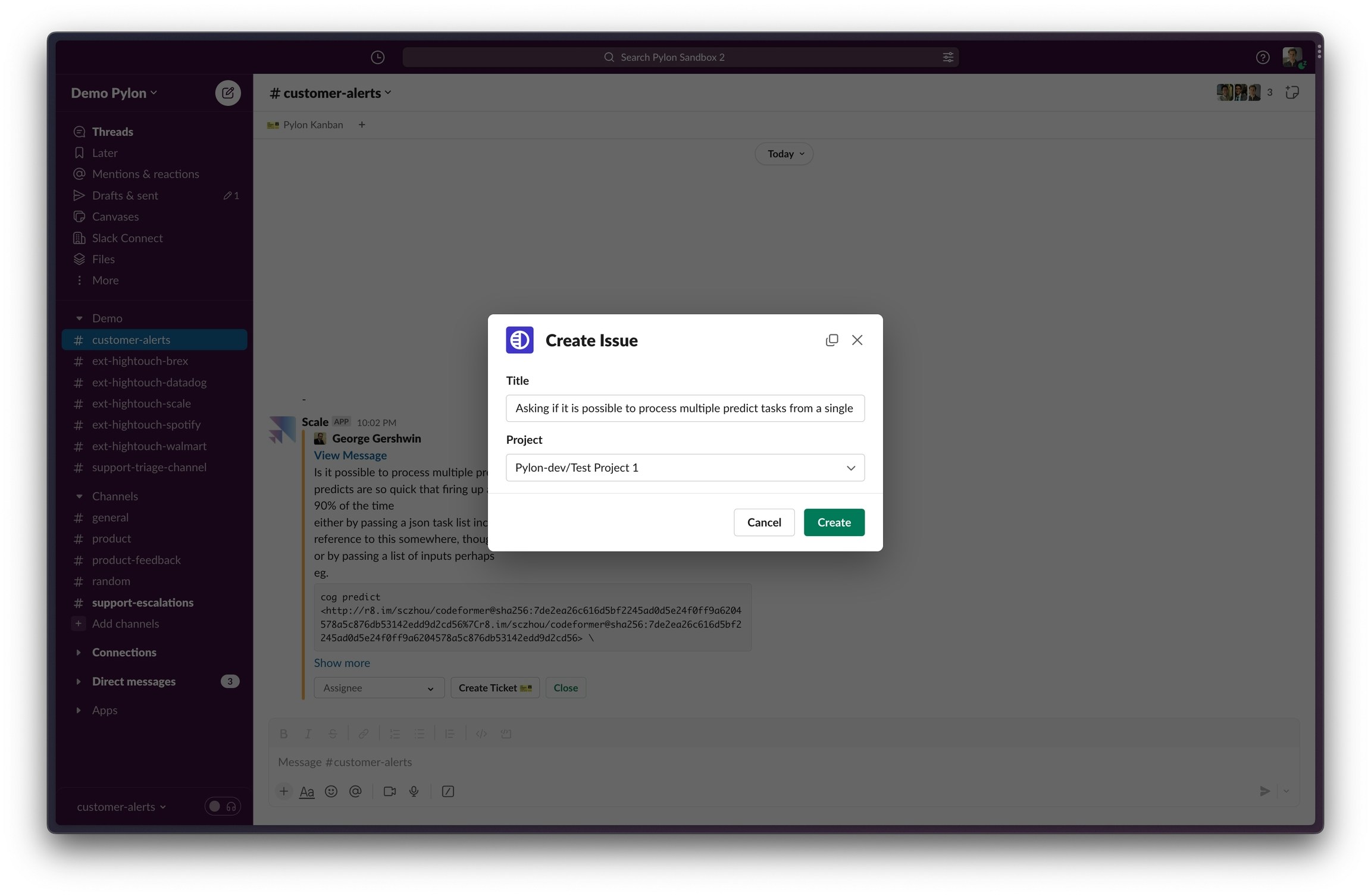
Via Triage channel: when conversational tickets are posted in your triage channel and product ticketing is enabled, you’ll see a
Create Ticket 📦button.
Linking Jira Tickets
You can also search for a Jira ticket by identifier or keywords, or directly paste in a link to the ticket.Inside Pylon
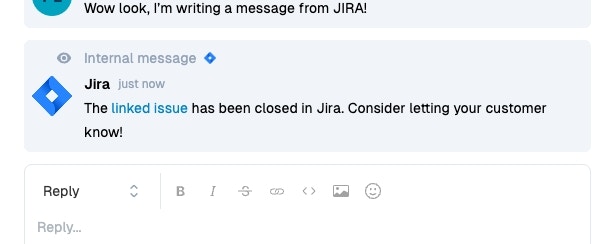
Comments in Jira sync as internal notes to Pylon.