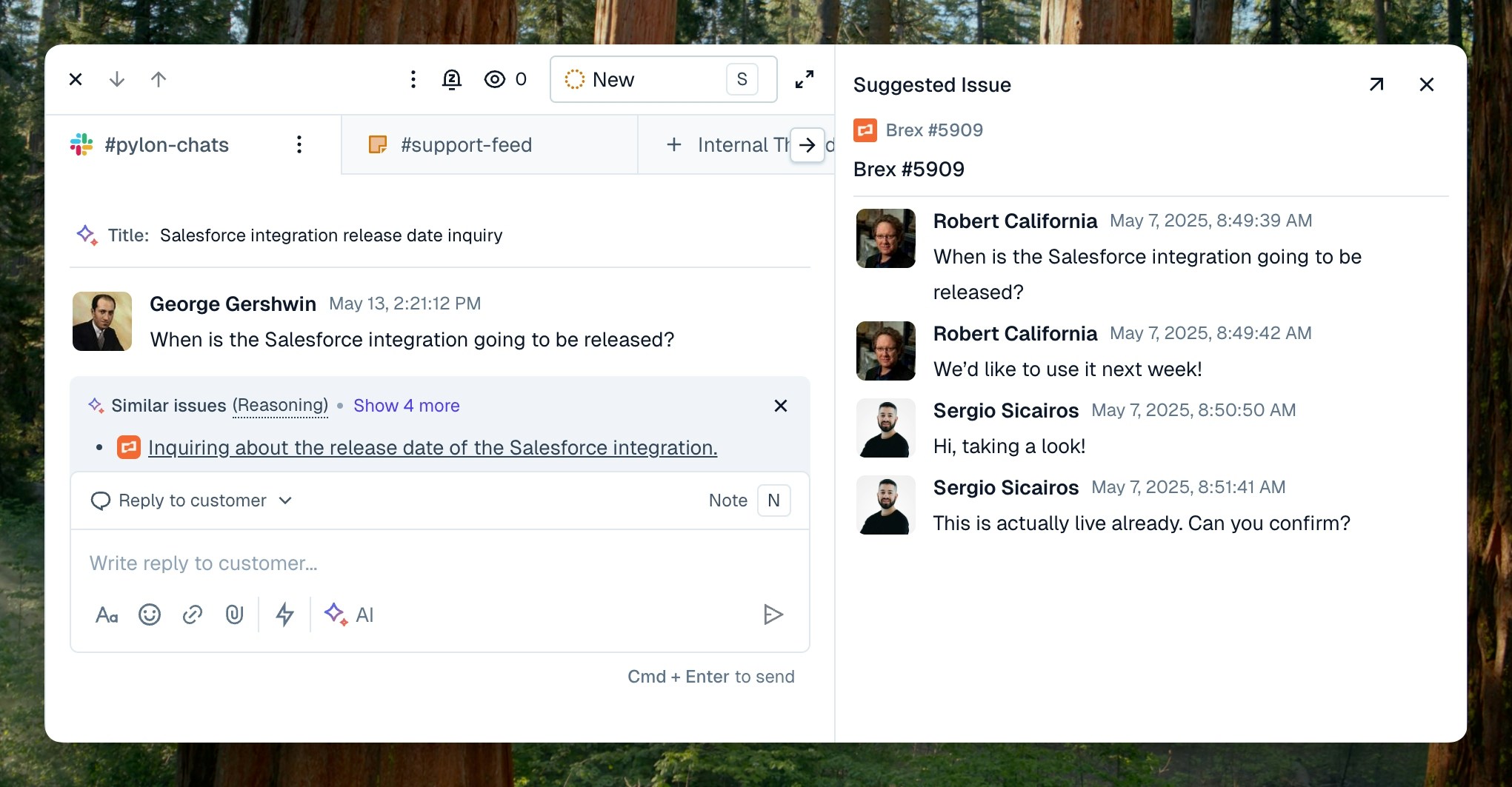
Connect Training Data that is outside of Pylon to give the Copilot access to more resources!
Use the
Cmd-Jor Ctrl-Jkeyboard shortcut from the editor to quickly pull up the command executor!Editor Copilot
Draft Response
Allow Pylon AI to draft a response to your customer issue for you. Use the context of all your past issues, your Pylon knowledge base, and any other connected documentation sources.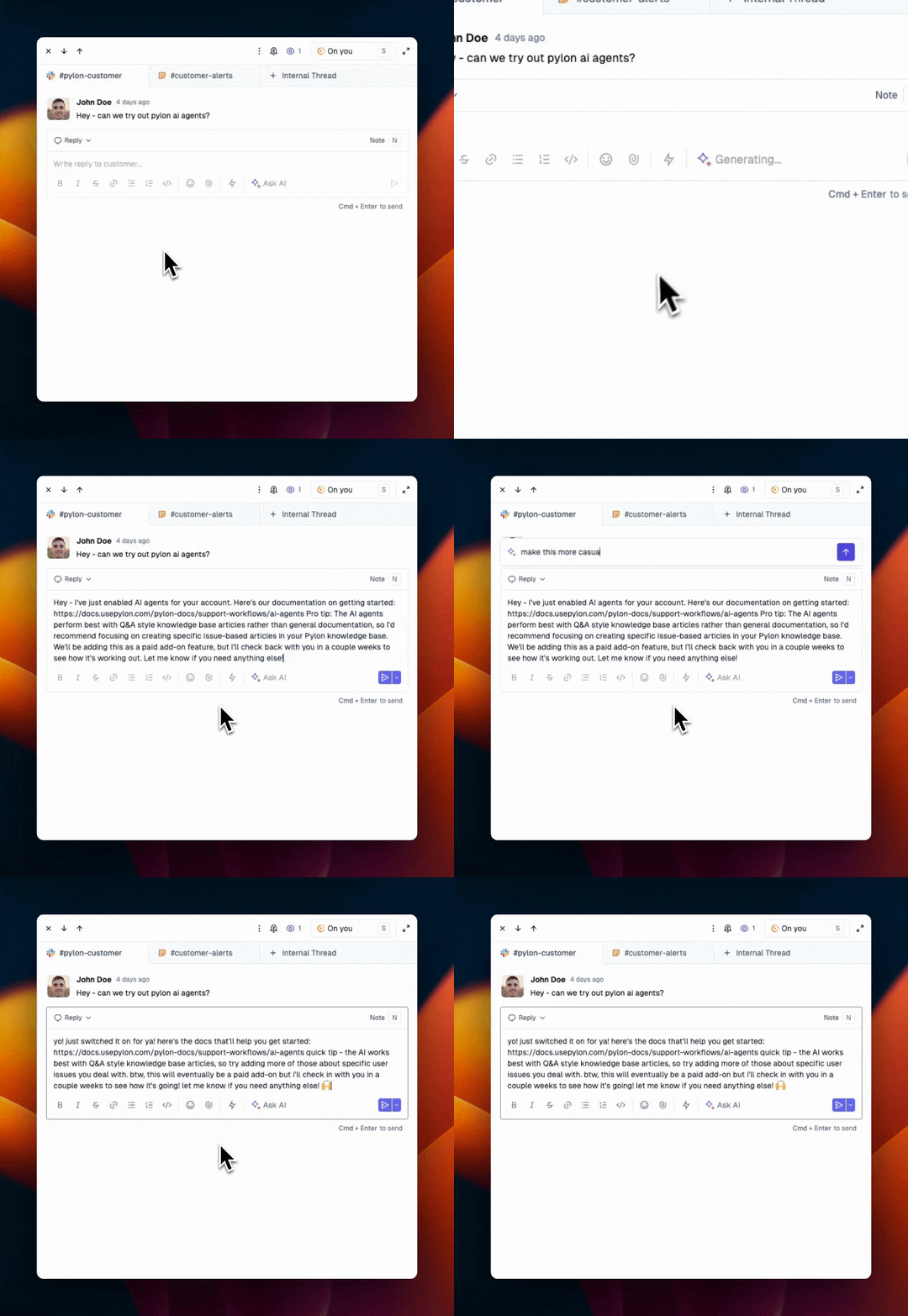
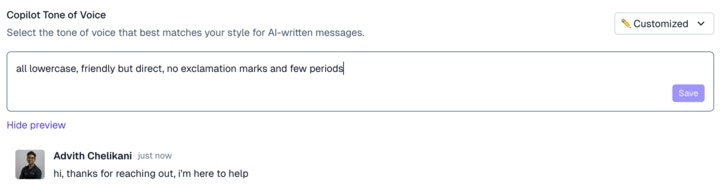
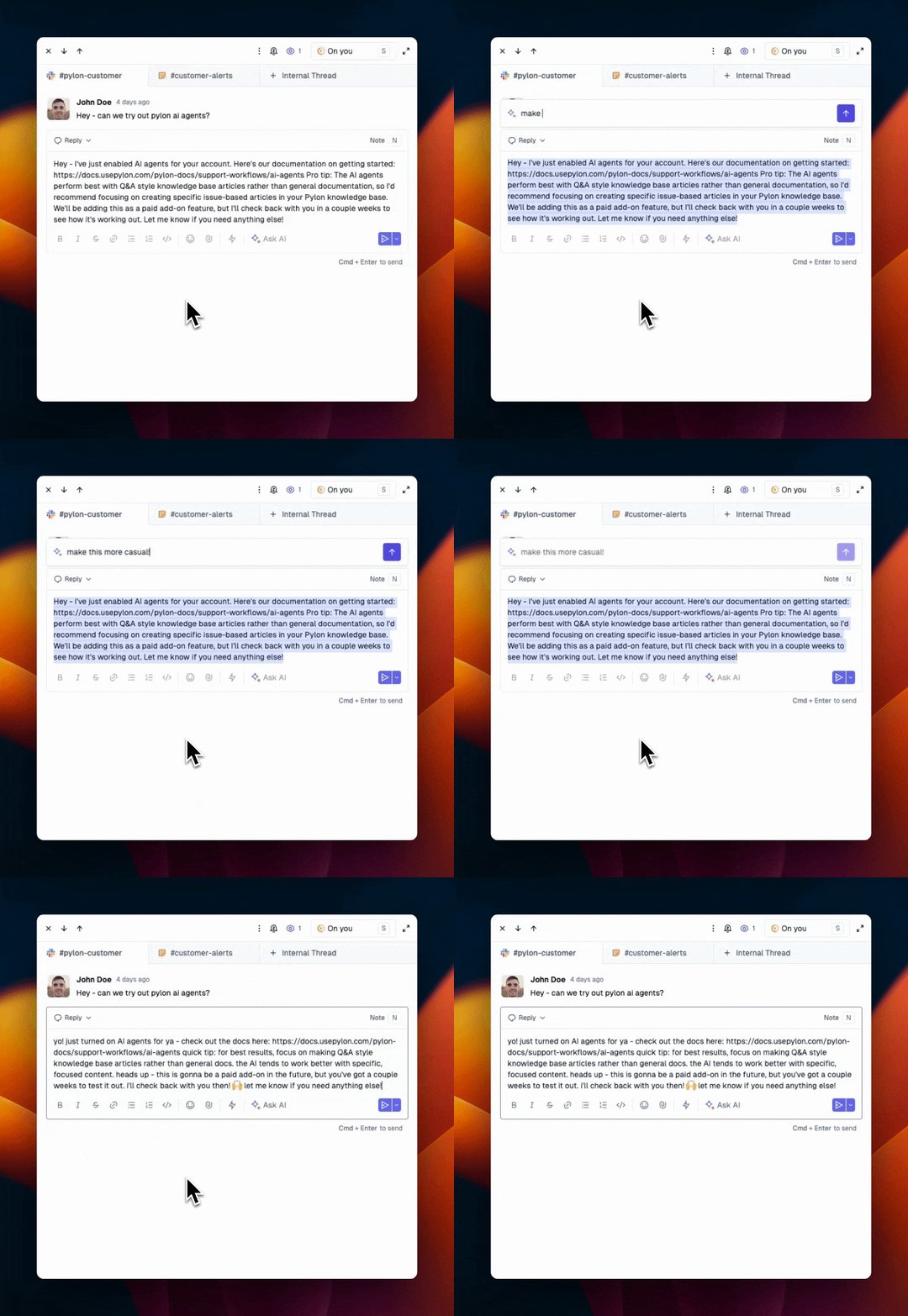
Custom Instructions
Give Pylon AI custom instructions to tune your response. Easily iterate on your tone or formatting, translate your response to another language and more!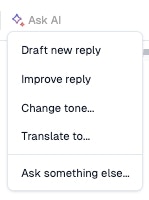
Sidebar Copilot
You can also find an AI copilot in the sidebar on the far right-hand side of the issue.Ask AI
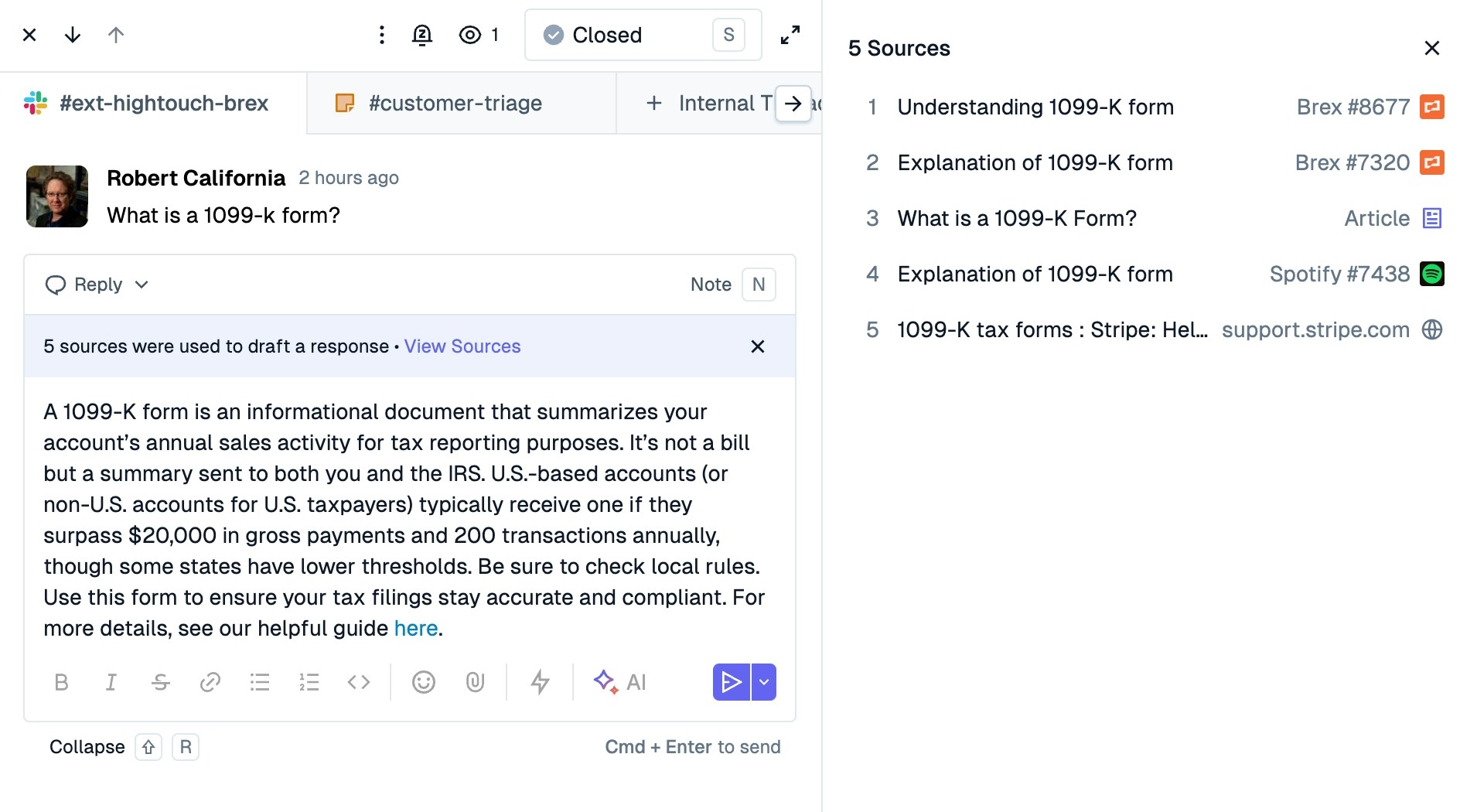
Ask AI allows you to ask open-ended questions to help you troubleshoot issues. All answers will also pull up citations to related content to help you draft your response to the customer.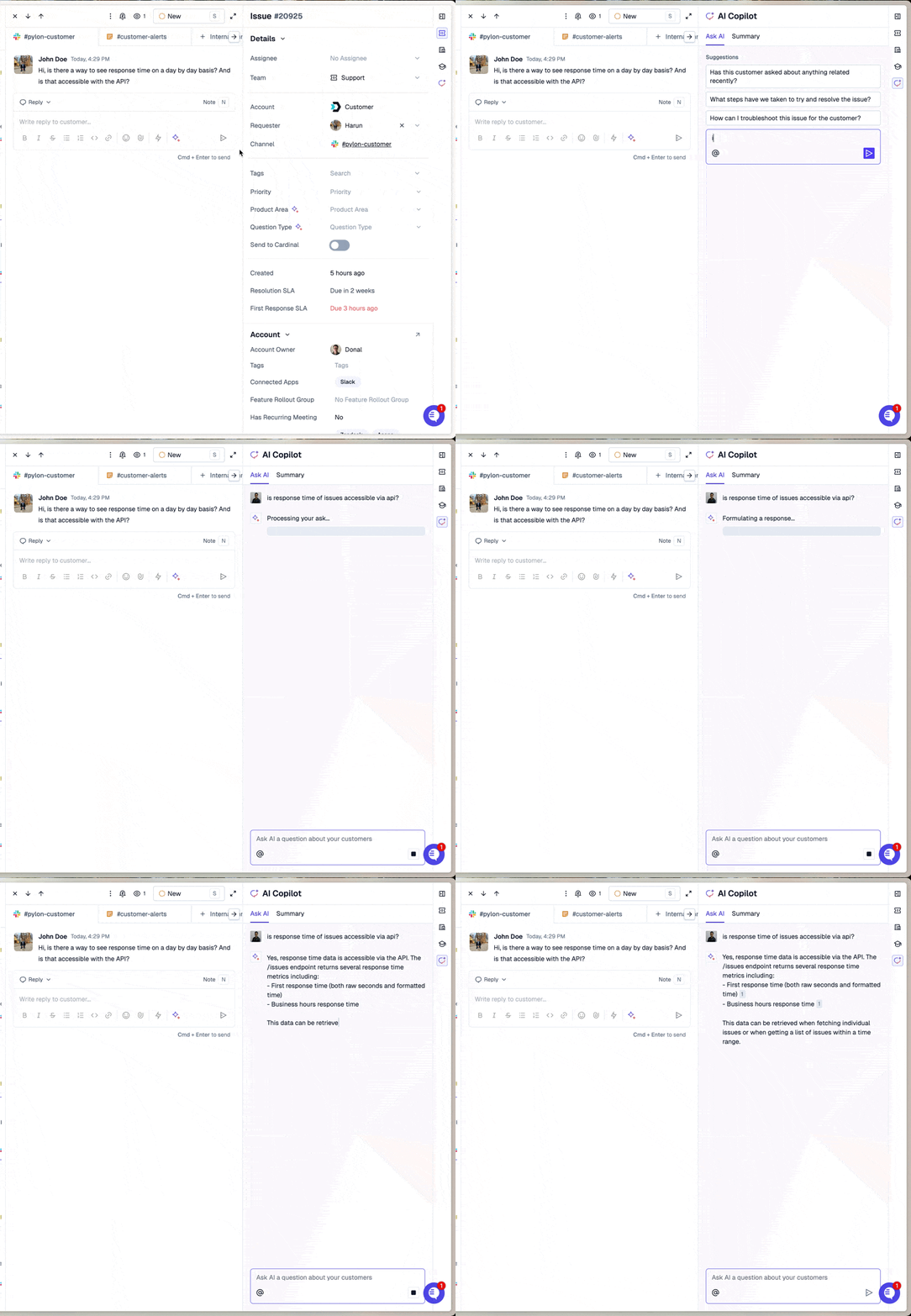
Summary
The “Summary” tab in the sidebar AI Copilot provides an always-up-to-date issue summary. Use this to handoff long and complex issues, share context with the broader team, or quickly review issues!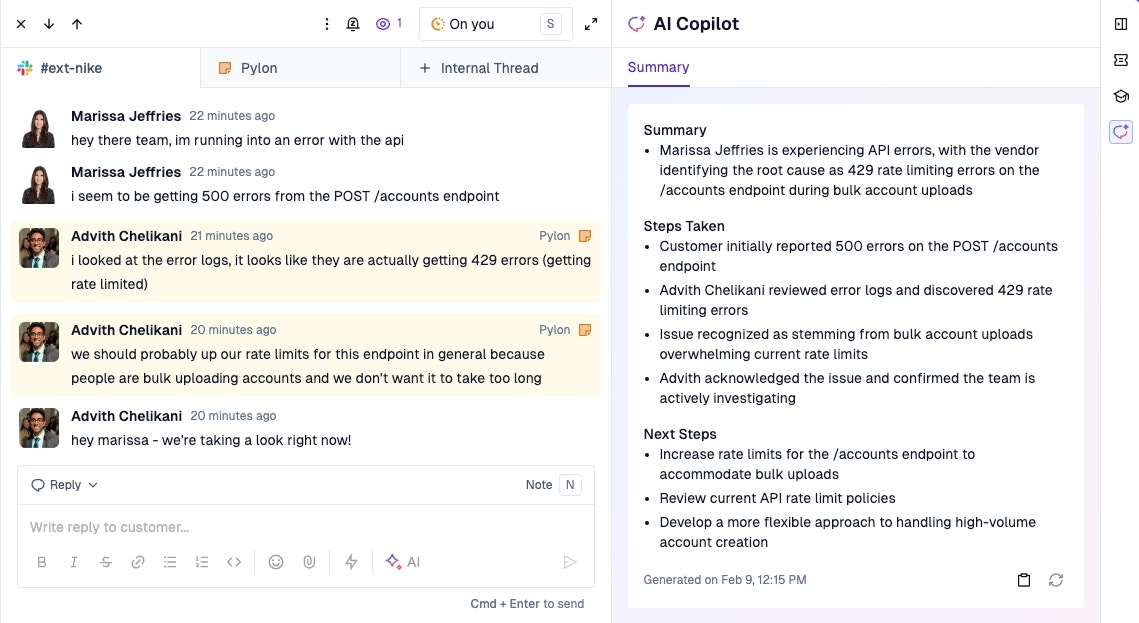
Issue Suggestions
See suggestions on resources to help you solve an issue including related issues and documentation.